
Description
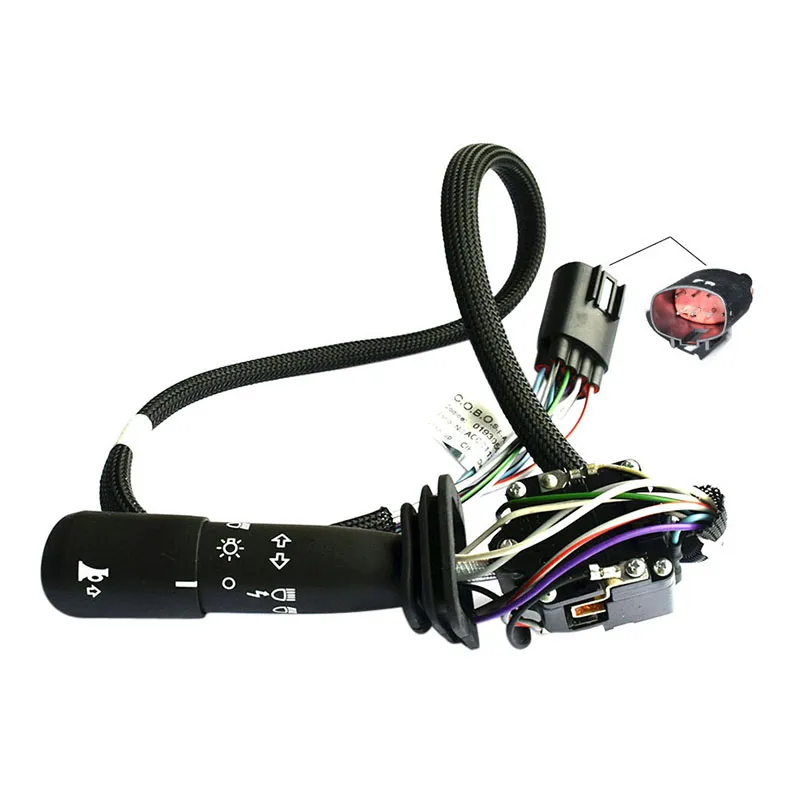
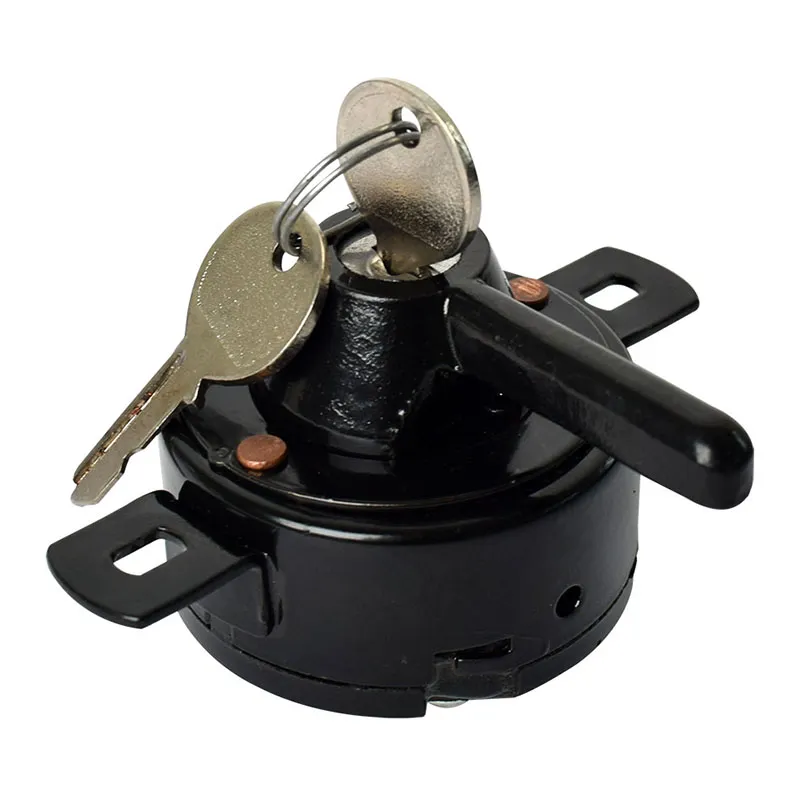
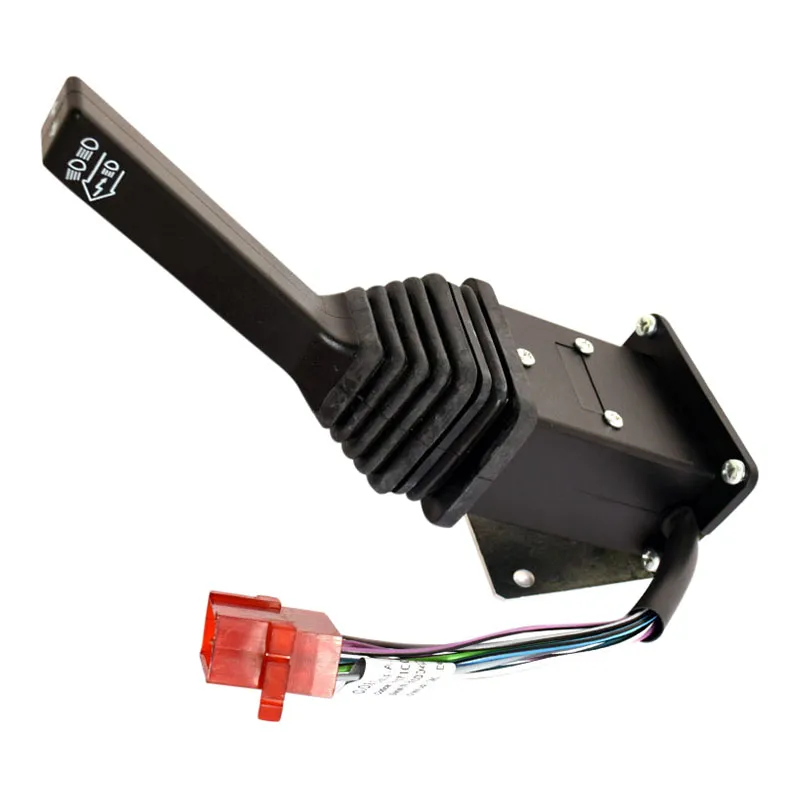
Nothing’s more dangerous than being stuck with flickering headlights or dead light controls when you’re moving equipment down the road or trying to finish harvest after dark. If your headlamp switch is acting up – whether it’s cutting out, not holding positions, or completely failed – you know how frustrating and unsafe that can be. This replacement switch gets your lighting controls back to working reliably, so you can focus on the job instead of fumbling with a touchy switch.
What You’re Getting
- Multi-position control that handles all your lighting functions smoothly
- Heavy-duty contacts that resist the arcing and wear that kills cheaper switches
- Direct plug-in design that connects to your existing wiring harness
- Serial-specific engineering that matches your tractor’s electrical system exactly
- Built to handle the high current loads of modern lighting without premature failure
Built for Specific Tractors
This switch is designed for specific serial ranges of New Holland T6000 series (Range & Power Command), T7000 series, and TSA series tractors, plus Case IH Maxxum, MXU, and Puma series, along with Steyr Profi series machines. These are the tractors doing the heavy lifting on farms – whether it’s your T6000 doing loader work before dawn, your T7000 working through harvest nights, or your Puma handling evening field prep. When these machines need to work when visibility matters most, you need lighting controls that won’t let you down.
Made to Last
The contacts in this switch are built heavy-duty to handle the electrical loads of multiple light circuits without the arcing that wears out generic switches. It’s engineered to match the specific electrical architecture of tractors in the D5960 through ZABK03626 serial range, which means proper function and long life instead of the compatibility issues you get with universal parts.
Installation Notes
This switch only fits tractors with serial numbers D5960 through ZABK03626 – verify your serial number before ordering as other ranges use different switches. Disconnect the battery before starting work, and take a photo of your wire connections before unplugging anything. Clean the connectors and add a little dielectric grease to prevent corrosion. Test all positions after installation to make sure everything’s working right.

Reviews
There are no reviews yet.